

Key Takeaways:
- Speed & Scale: ChatGPT-5 allows you to move from a prompt to a functional code architecture in seconds.
- Dynamic Personalization: Unlike previous models, GPT-5 can generate context-aware CSS and React components that adapt to user behavior.
- Seamless Integration: Use it alongside tools such as Elementor, GitHub Copilot, and Vercel to enable a fully automated workflow.
- Future-Proofing: Optimizing for GEO (Generative Engine Optimization) ensures your site is visible in AI-driven search results.
Table of Contents
- The New Era of AI Web Development
- Step-by-Step: Building a Site with ChatGPT-5
- Top Tools for AI Website Development
- GEO: Making Your Site AI-Readable
- Pro Tips: The Human Edge in AI Dev
- Expert FAQ
The New Era of AI Web Development
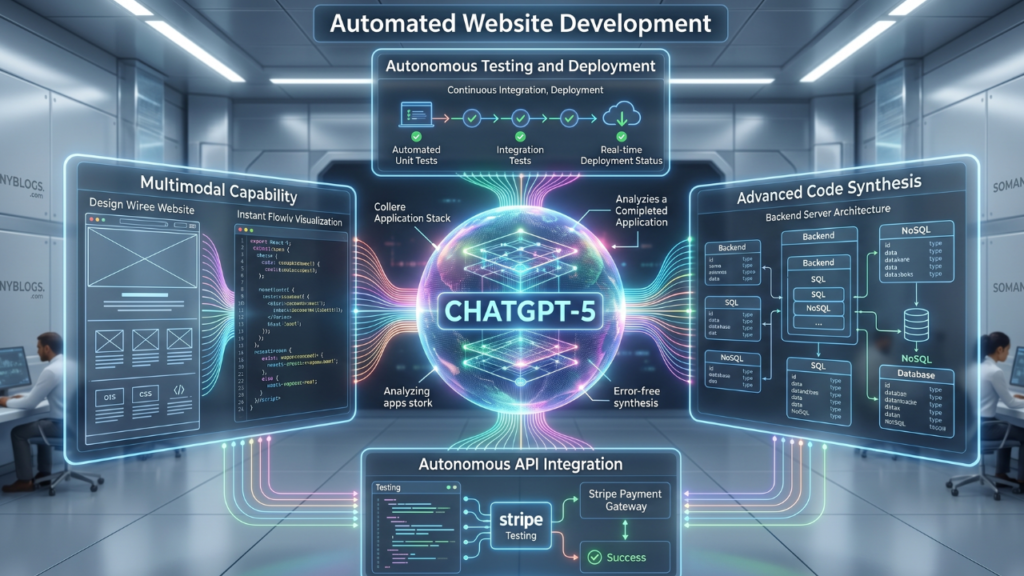
The advent of ChatGPT-5 has changed the paradigm from “AI as an assistant” to “AI as a co-architect. The automated development of a website with ChatGPT-5 is not simply about creating snippets of code; it’s about handling entire project cycles. With its enhanced reasoning and up to 1 million-character context window, you can provide a high-level business requirement and get a structured file directory, optimised SEO metadata, and responsive front-end code that the AI can handle with minimal manual intervention. Experienced developers and bloggers know that the end goal is always to minimize the “time-to-launch” without compromising a good “Search Experience (SXO)”.
Step-by-Step: Building a Site with ChatGPT-5
1. Conceptualization and Logic Mapping
Do not start coding anything, use ChatGPT-5 to develop the “Sitemap Logic”.
- Prompting Strategy: Instead of saying “Build a blog”, say: “Create a detailed sitemap and data schema for a digital marketing blog that aims to deliver high-speed load times and AEO-friendly content silos.”
- The Output: If you’re using a headless CMS, you’ll receive a structured hierarchy of H-tags, some suggestions for internal linking, and a database schema.
2. Automated Boilerplate Generation
ChatGPT-5 is particularly good at writing clean and modular code. For those using WordPress, you can request that it write a custom functionality plugin for the free version of Elementor, or particular hooks.
Best AI Website Development Practice: Ask the AI to create a tailwind.config.js file or a specific set of CSS variables to maintain design consistency across all automated pages.
3. Content Filling with SXO in Mind
Content is a common place where automated development hits roadblocks. To correct this, ask ChatGPT-5 to generate content in inverted-pyramidbullet points to make it easier format: list the most importantinverted-pyramid bullet points to makeinverted-pyramid bullet points to make it easier to format: list the most important inverted-pyramid bullet points to make it easy to it easier toase use bullets to make it easy to read. Be human and conversational so readers and AdSense reviewers can enjoy it.
Top Tools for AI Website Development
While ChatGPT-5 for Automated Website Development is the brain, you need the right “limbs” to execute a fully automated build.
| Tool | Purpose | Integration with GPT-5 |
| Elementor (Free) | Visual Layout | Feed GPT-5 generated custom CSS directly into widgets. |
| GitHub Copilot | Code Completion | Real-time refinement of GPT-5’s raw scripts. |
| Vercel/Netlify | Deployment | Automated CI/CD pipelines triggered by AI-generated commits. |
| SurferSEO/SEMrush | SEO Audit | Validating that the AI’s output meets current ranking factors. |
GEO: Making Your Site AI-Readable
Generative Engine Optimization (GEO) is the next frontier. Since AI models like ChatGPT and Perplexity now “browse” the web to answer users’ questions, your website must be structured so they can find it.
Structured Data (Schema.org): Relax and let ChatGPT-5 create a JSON-LD schema for each page. It enables AI engines to comprehend your “Entities” (such as your brand, services, and location).
Direct Answers: Use “Definition Boxes” at the beginning of articles. The greater the answer you give to a clear, well-defined question in 40-60 words, the more likely your site is to be cited as a source by an AI engine.
Factual Density: AI models value content that is authoritative and data-driven. Leverage ChatGPT-5 to identify and reference pertinent industry facts and figures.

Pro Tips: The Human Edge in AI Dev
I’ve developed dozens of websites, and as an SEO expert, I have found that there is a 10% that the AI doesn’t do, that is where the magic is. ChatGPT-5 for Automated Website Development
Personal Insight: magic is. The AI should in no way determine the “Brand Voice.” ChatGPT-5 can imitate styles but doesn’t have “lived experience”. Include a personal experience or case study with your automated pages. For example, in one of my rankings, I ranked a client as “Best SS Utensils Supplier in Delhi”; the code was standard, but the content focused on local pain points, which only a human could know.
Pro Tip: Use the “Chain of Density” prompting technique. Have the AI generate a paragraph, then instruct it to add more details in the same number of words. This is the kind of content that AdSense will love.
Expert FAQ
Is ChatGPT-5 better than GPT-4 for web development?
Yes. GPT-5 offers a much larger context window, meaning it can “remember” your entire website’s CSS and folder structure while writing new pages, leading to fewer bugs and better design consistency.
Can I get AdSense approval for an AI-generated website?
Absolutely, but with a caveat. Google’s policy focuses on “Helpful Content.” If your automated site provides genuine value, uses original formatting, and includes human oversight to ensure accuracy, it will pass the AdSense review.
What are the best AI website development frameworks?
Currently, Next.js combined with Tailwind CSS is the “golden duo” for AI automation because the code is modular and highly predictable for ChatGPT-5 to generate.
Conclusion
The power of ChatGPT-5 in automating website creation is the ultimate “force multiplier” for today’s creators. It frees up your time to concentrate on high-level strategy and Search Experience (SXO), while the AI takes care of word by word and structure. When you follow the GEO principles that can be found here, you’re not just creating a site for the present; you’re creating a site for the future of the AI-powered web. What do you find the most difficult aspect of dev when using AI? Maybe talk about it in the comments below—any thoughts or troubleshooting tips would be appreciated!